
Write, review, and publish technical content—in Markdown.
Draft with context-aware AI, review every change with comments and suggestions, and publish from one focused workspace. Work in the browser or keep files and AI local on desktop.









8800+
Users
5000+
Documents edited
One Markdown workspace from first draft to published guide.
Write long technical documents, ask AI for reviewable changes, work through human feedback, create the visuals, and publish without giving up portable Markdown.
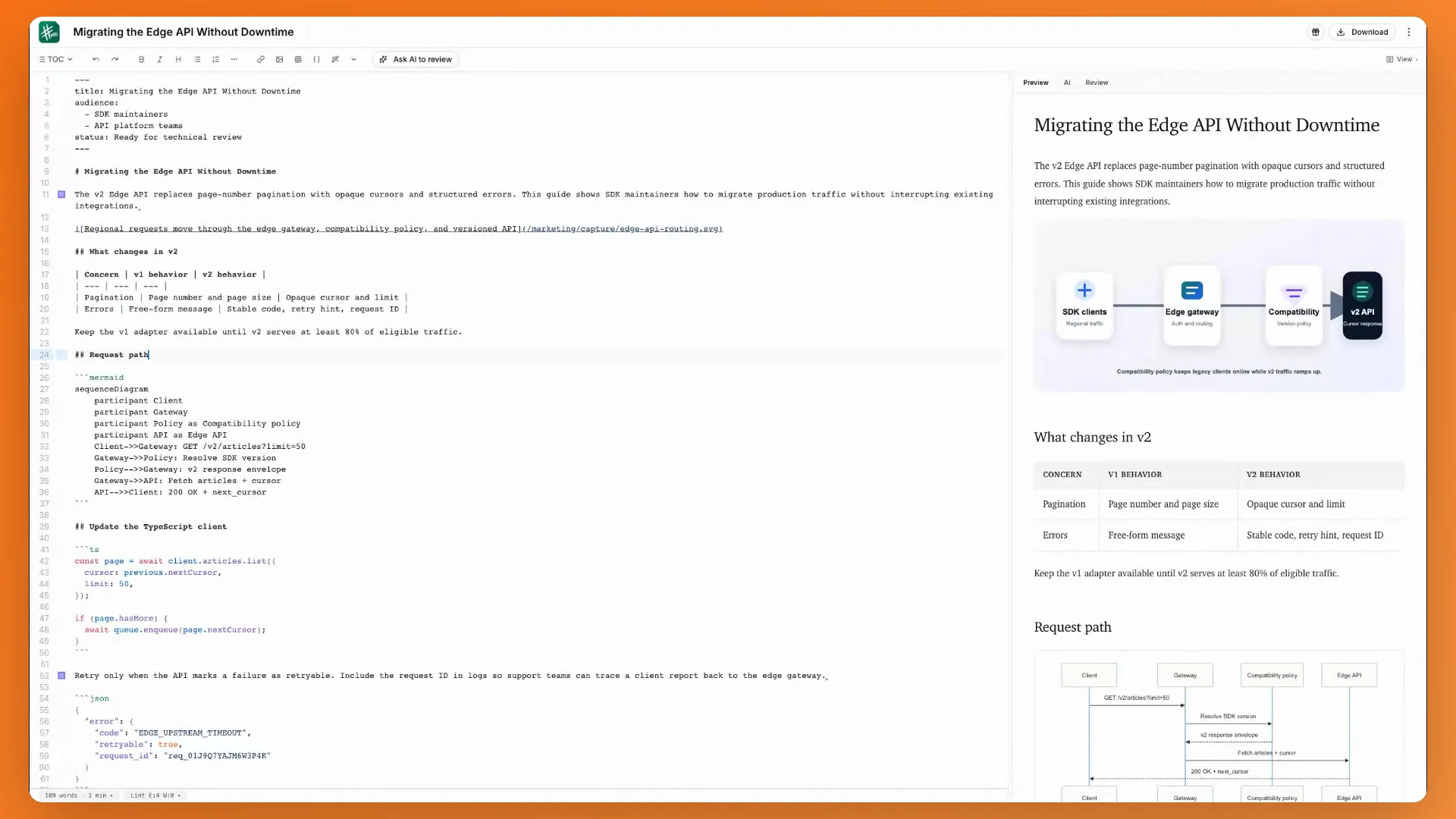
A Markdown editor built for long technical documents
Keep structure visible while you write, preview the result, catch Markdown issues, and move documents in or out without losing ownership.
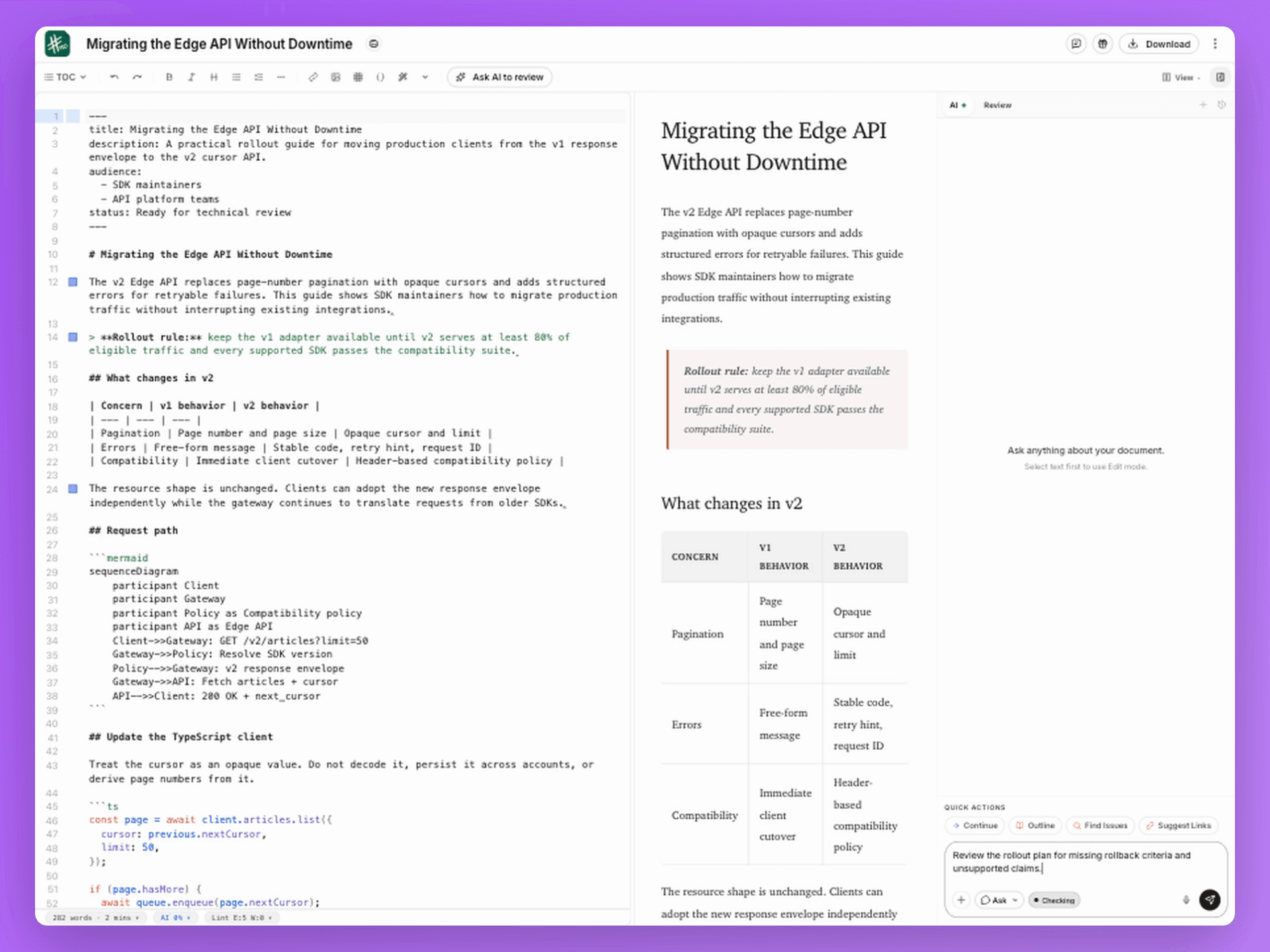
AI that proposes. You decide.
Ask, edit, or review with the document in context. Proposed changes remain visible and ordinary comments keep humans in charge.
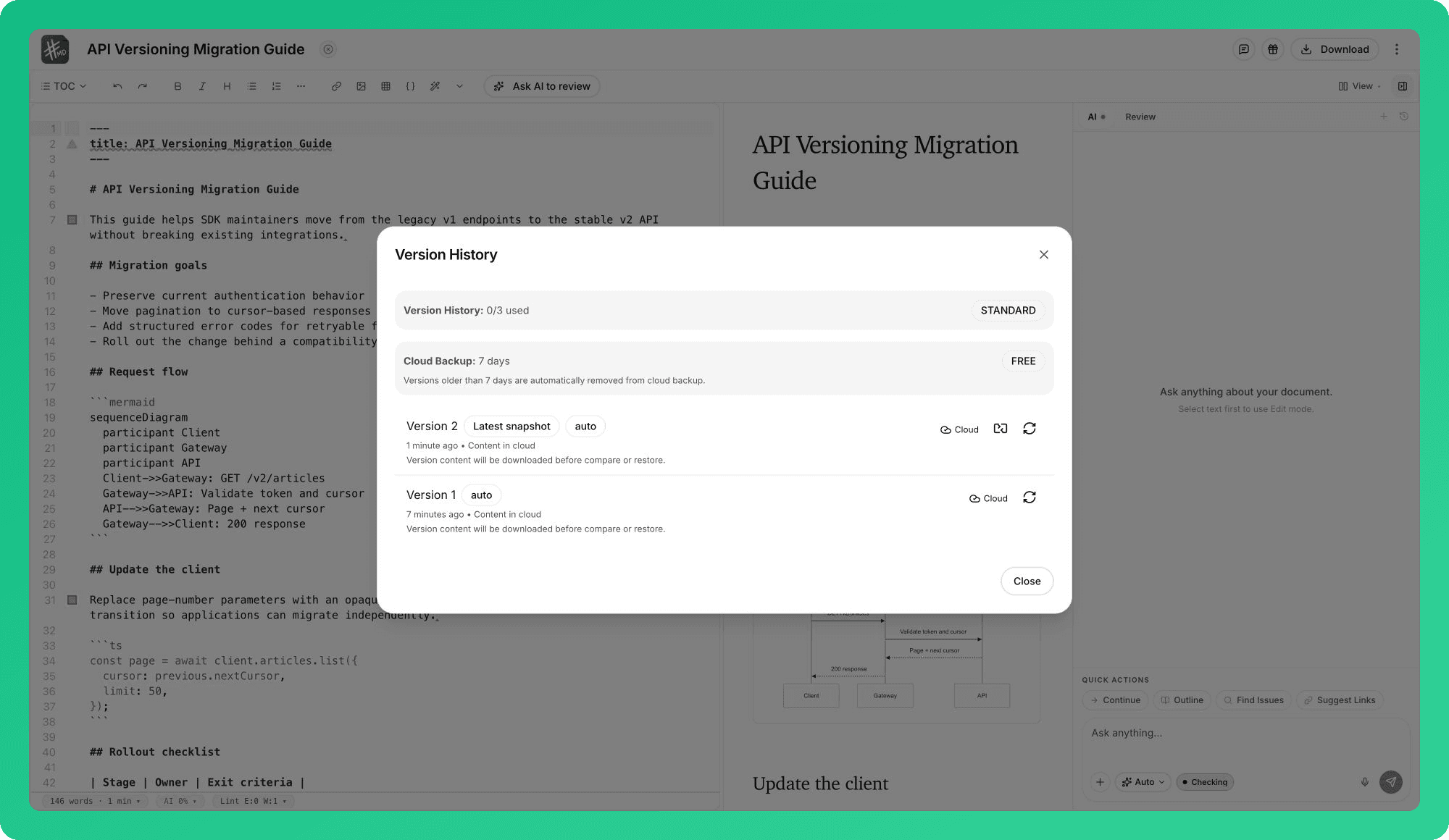
Your draft is available, recoverable, and still yours
Keep writing through a network drop, recover earlier versions, sync across devices, or work directly with local files on desktop.
Automatic history
Compare or restore captured versions
Local workspaces
Open Markdown files and folders on desktop
External file changes
Stay aligned with edits made outside mdedit
Offline-first sync
Keep editing and reconnect without losing the draft
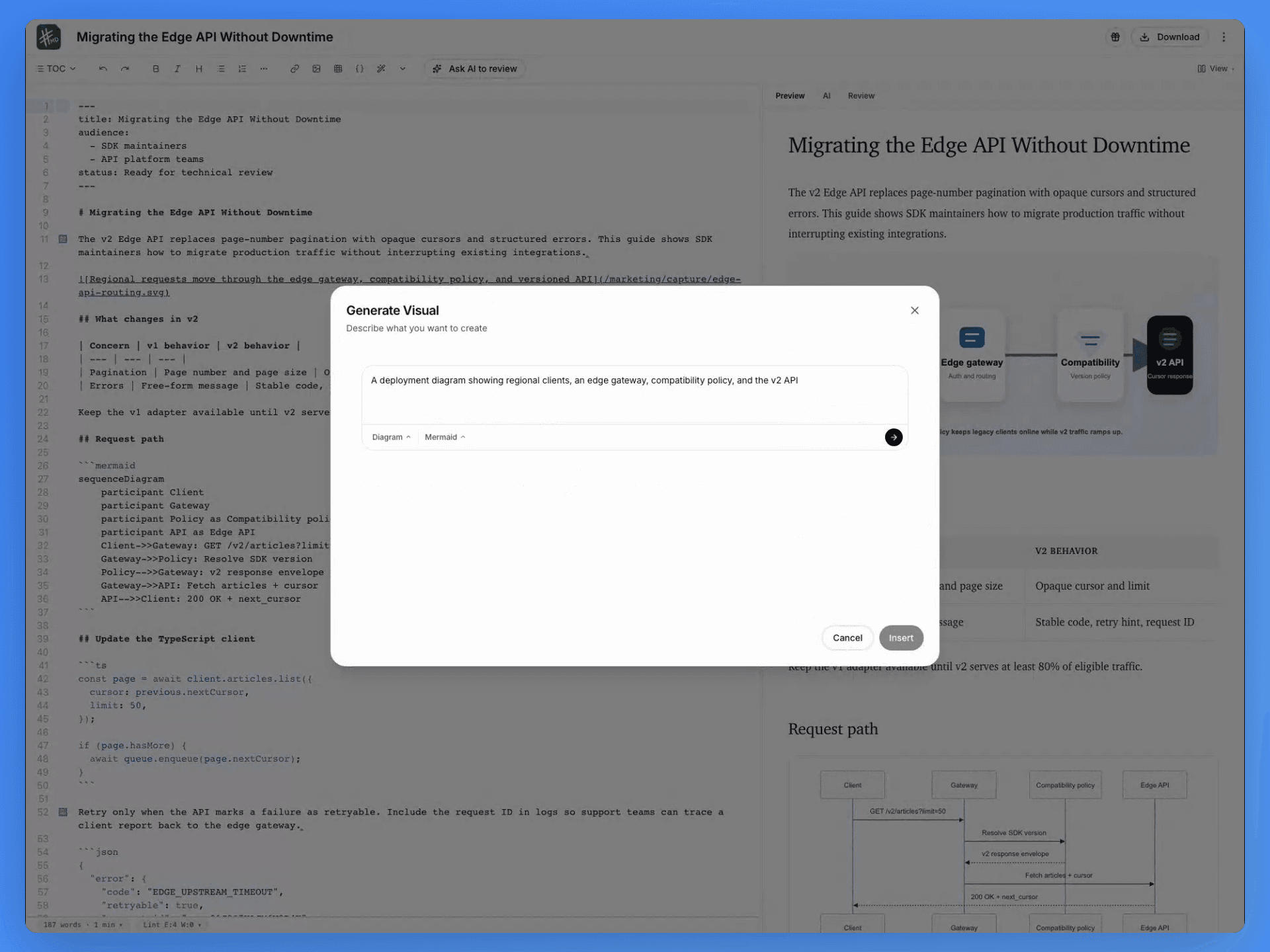
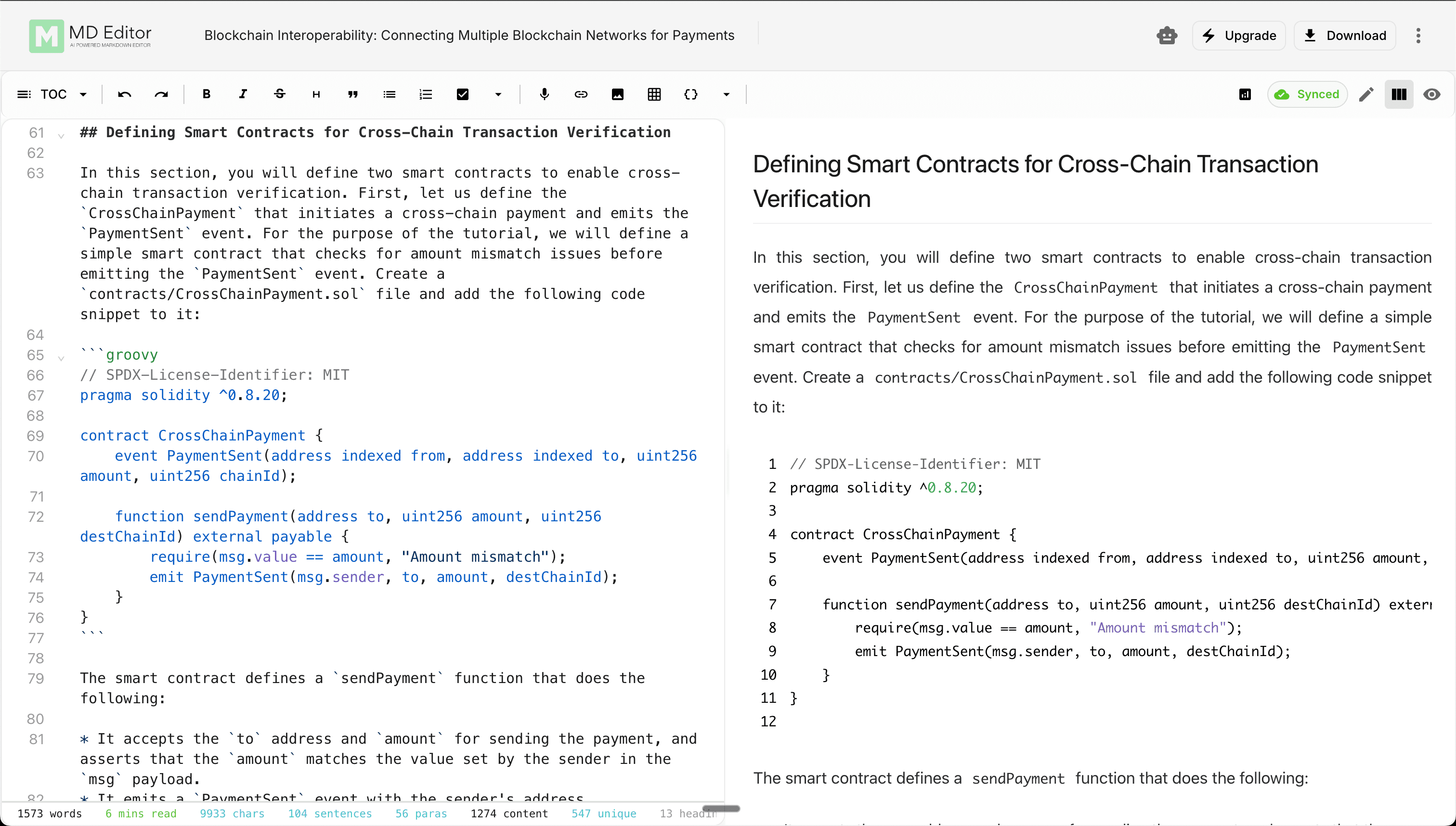
Create technical visuals without leaving the document
Generate photos, diagrams, charts, and animations, or author diagrams-as-code, tables, media, and code images yourself.
Code images
Turn real snippets into presentation-ready visuals
Generate Visual
Create photos, diagrams, charts, and animations
Diagrams as code
Render Mermaid, Graphviz, and Markmap live
Tables and media
Edit tables visually and insert rich media
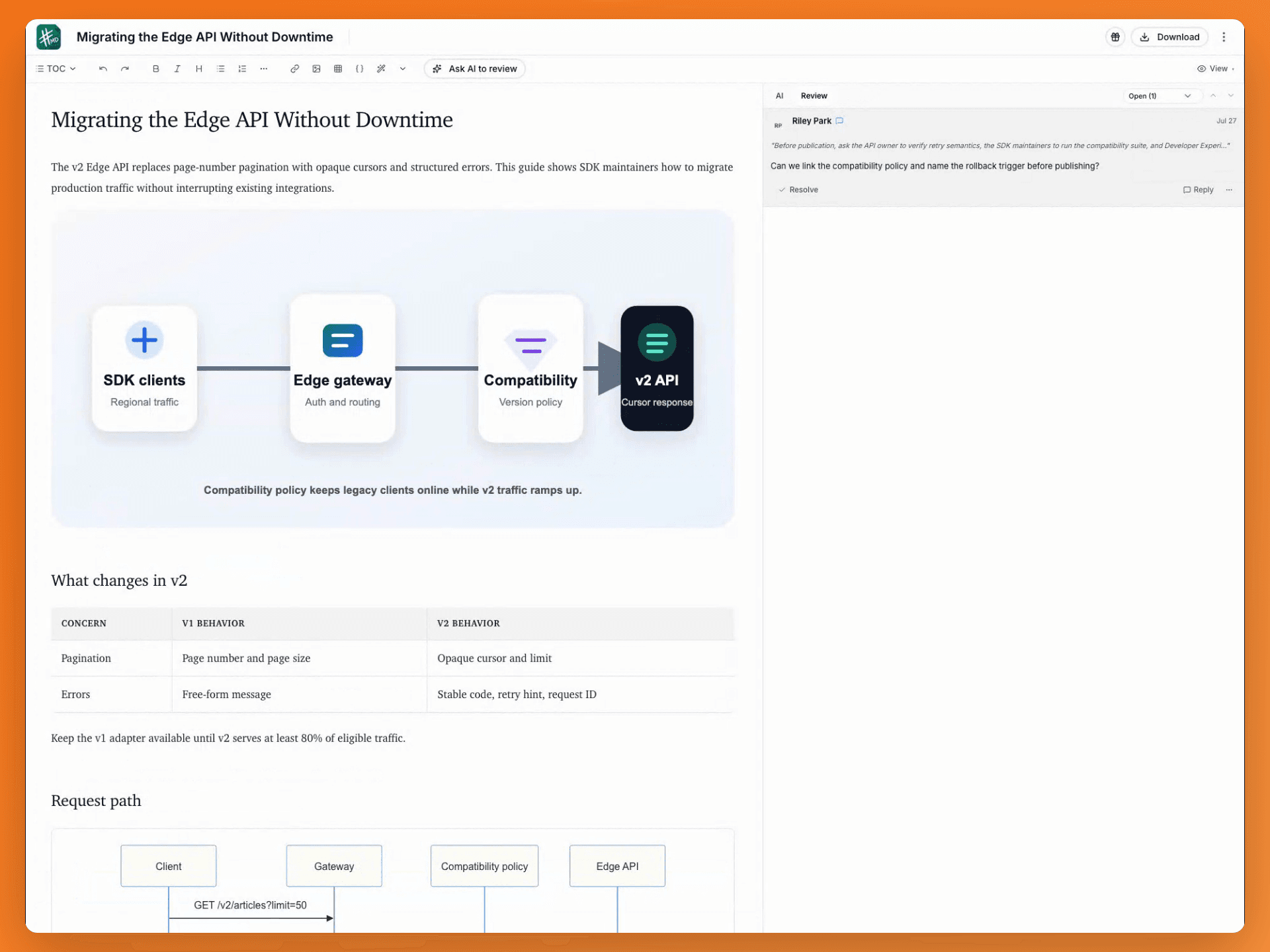
Review, collaborate, and publish
Co-edit with presence, work through comments and suggestions, control access, then publish the same Markdown source to the destination that needs it.
Works everywhere
Keep the core workspace close, then add lightweight Markdown tools where they help.
Desktop app
Open local Markdown workspaces, keep editing offline, and connect local AI on macOS, Windows, or Linux.
Markdown tools
Preview Markdown in the browser or VS Code/Cursor, and automate workflows from the CLI.

Why I built mdedit.ai
I have shipped hundreds of technical articles and kept running into the same fragmented workflow: draft in one editor, ask AI somewhere else, collect review notes in another tool, then rebuild the document for publishing. mdedit.ai is the focused workspace I wanted—Markdown stays the source of truth while drafting, review, AI assistance, technical visuals, and publishing happen around it. You can work in the browser, keep files and AI local on desktop, and approve every change before it becomes part of the document.
- Vivek Maskara, Creator of mdedit.ai


Built around technical-content workflows
Start free. Expand when review becomes a team workflow.
Standard adds collaboration, review workflows, unlimited sync, and BYOK or local AI. Premium adds built-in AI, advanced models, and unlimited history.
Free
Core markdown editing with local-first drafts.
forever
Core markdown editor
20 AI trial credits
3 cloud-synced articles
3 version snapshots per article
Export to Markdown, HTML, Word, and PDF
Standard
For technical writers and small teams that need collaboration, BYOK or local AI, unlimited sync, and review workflows.
per month
Unlimited cloud-synced articles
AI with your own key
Real-time collaboration and shared editing
Inline comments, suggestions, and highlights
50 version snapshots per article
3 team workspaces
Standard support
Frequently asked questions
Ready to write with confidence?
Join developers, writers, and creators who trust mdedit.ai for their best work.
Join 7,300+ users already using mdedit.ai.What is mdedit.ai?
mdedit.ai is an AI-powered, offline-first Markdown editor built for people who write technical content: documentation, READMEs, long-form guides, and internal notes. It combines long-document editing with reviewable AI, real-time collaboration, comments and suggestions, technical visuals, version history, local desktop workspaces, and direct publishing.
Start in the no-sign-up web editor, or use the desktop app when local Markdown files, offline work, or local AI matter. Browser, VS Code/Cursor, and CLI tools are available as focused companions to the core workspace.