
Desktop app for technical writing
A fast, offline-first Markdown editor you can install locally, ideal for focused writing, long sessions, and working on spotty Wi-Fi.
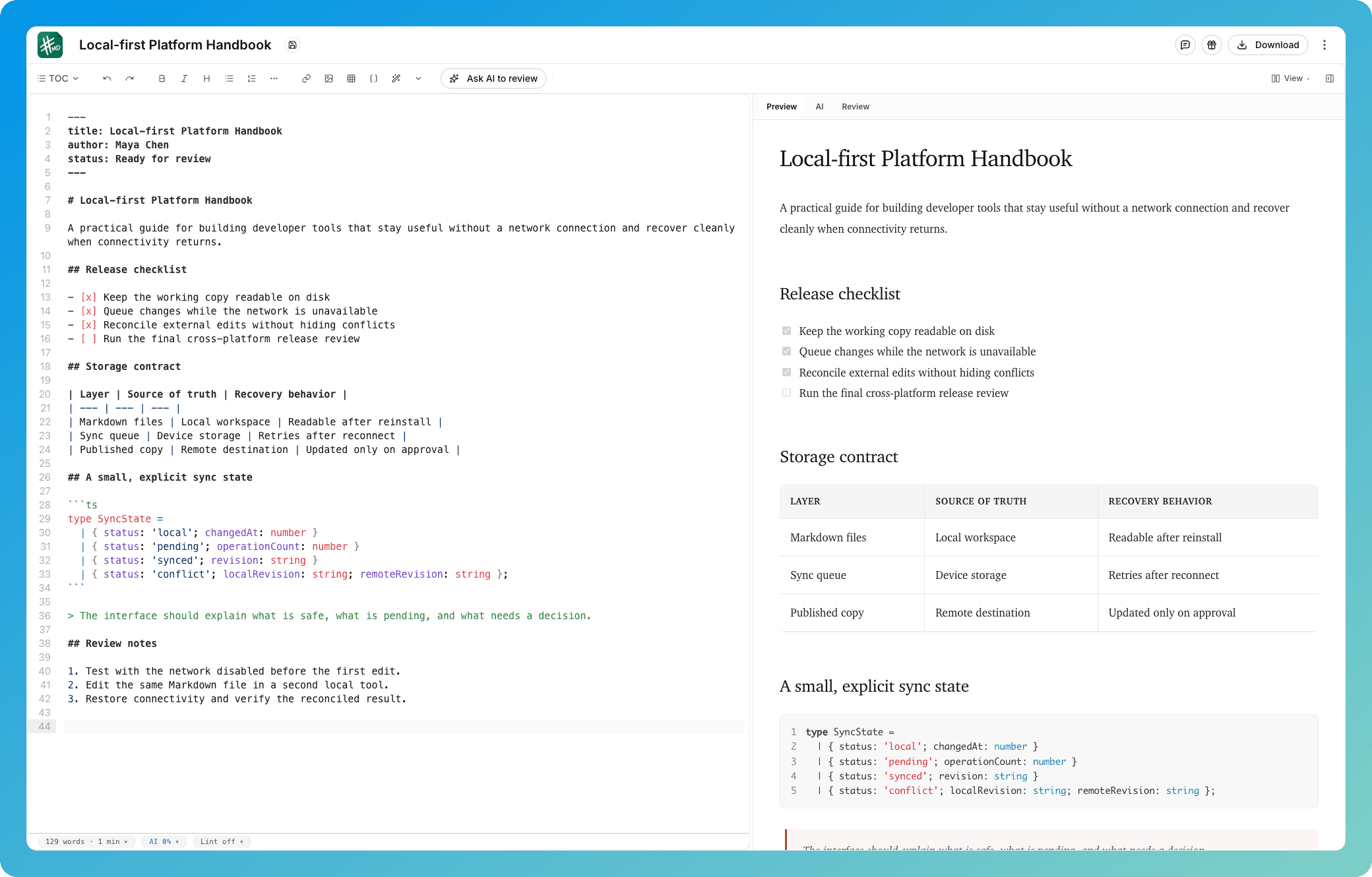
Built for technical writing
The desktop app includes the same writing-focused core as the web app, built for long sessions.
Offline-first editing
Keep writing on planes, trains, and spotty Wi-Fi. Your work stays local and syncs when you’re back online.
Automatic version history
Never lose a draft. mdedit.ai keeps track of changes so you can iterate quickly without fear.
Multi-model cloud AI
Use OpenAI, Anthropic, Grok, or Gemini with included credits, your own key, or built-in AI on Premium.
Markdown-first experience
Write in Markdown with a clean editor that stays out of the way, plus rich preview when you need it.
Organize big doc sets
Work with folders and structure that matches how real teams keep docs, notes, and long-form guides.
Local AI models
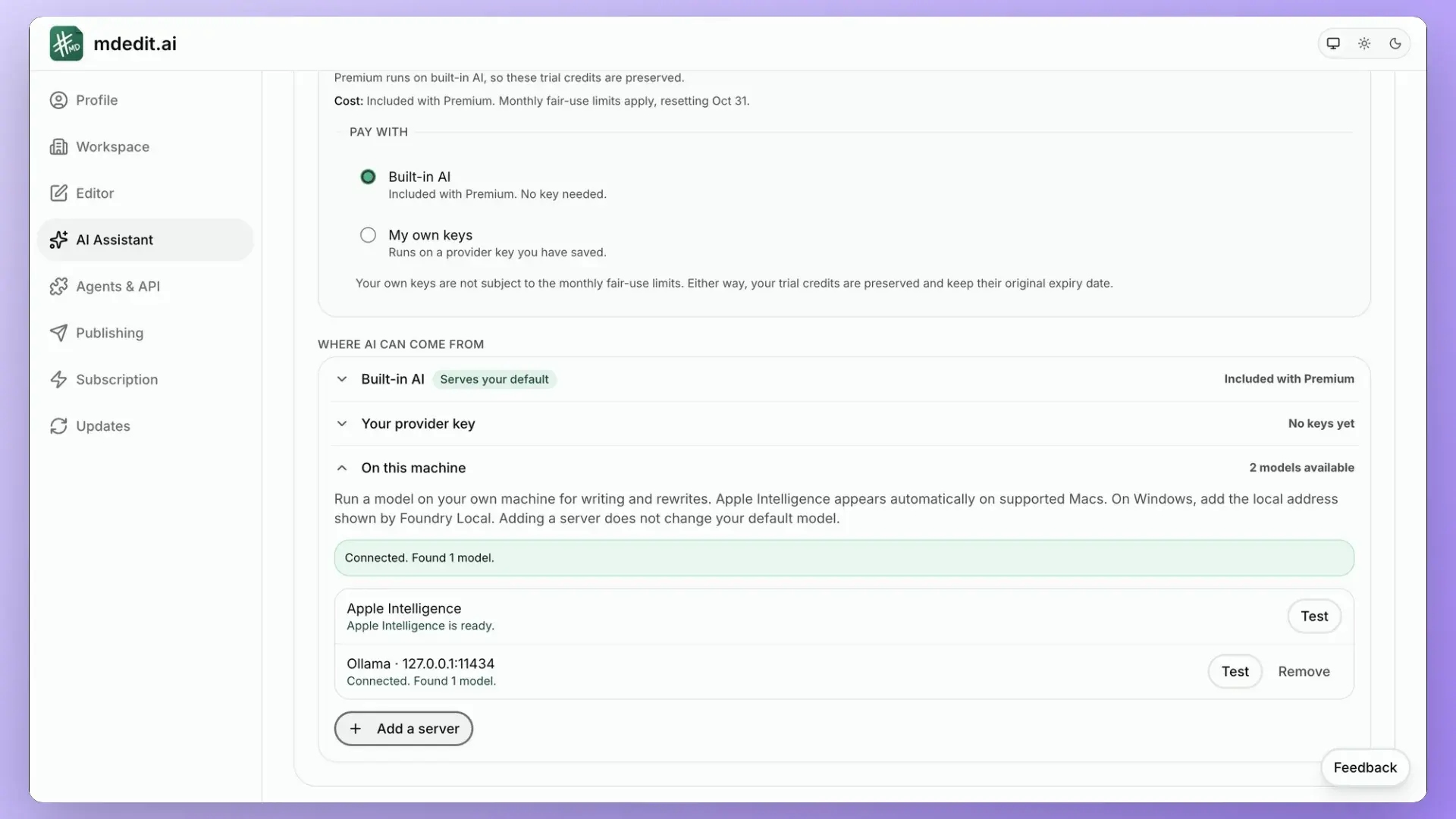
Run Ollama or any OpenAI-compatible local server. Your docs and prompts never leave your machine, and there is no API cost.
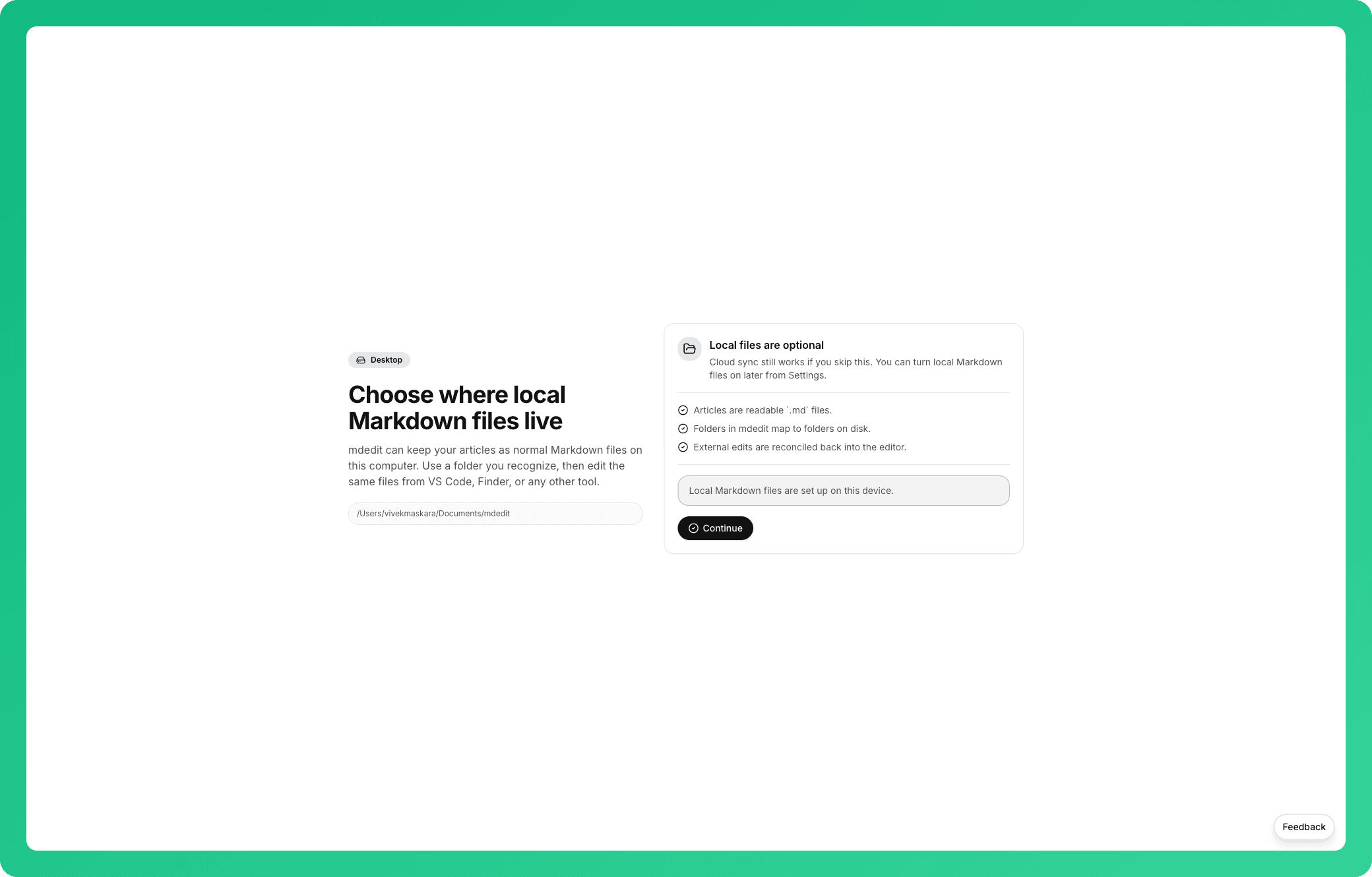
Keep ordinary Markdown files on your computer
Choose a local workspace once, then edit the same readable files from mdedit.ai, VS Code, Finder, or another tool.
Run writing AI locally with Ollama
Connect a local Ollama or OpenAI-compatible server, choose a detected model, and keep document inference on your machine with no hosted AI credits.
Desktop app questions, answered
Yes. The desktop app can run fully local models through Ollama or any OpenAI-compatible local server (like LM Studio). Your documents and prompts never leave your machine, and there is no API cost. Set it up in Settings → AI. This is a desktop-only capability; the web app uses cloud providers.
The desktop app supports the same providers as the web app: OpenAI, Anthropic, Grok, and Gemini, either with included credits, your own API key, or built-in AI on Premium.
Yes. Editing, version history, and local AI models all work without a connection. Cloud AI providers and sync require a connection when you use them.
Last updated
Write locally. Publish anywhere.
Free download. Local files, local AI, and full offline editing.