
Markdown Viewer VS Code Extension
Preview Markdown with GitHub-style rendering, diagrams, math, mixed RTL/LTR layouts, and exports, right inside your editor.
Prefer the browser extension instead? Install for Chrome, Firefox, or Edge. Install for Cursor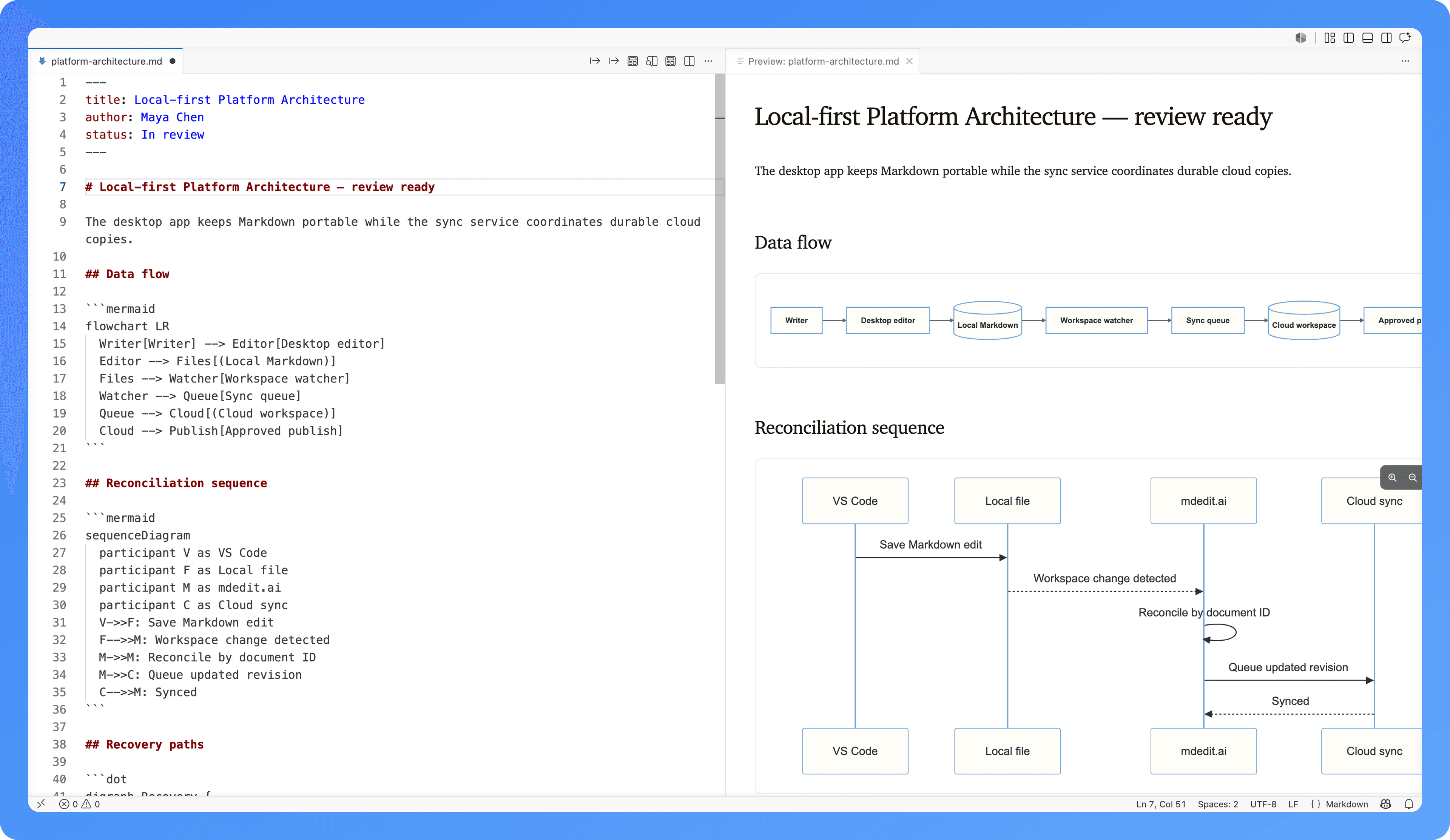
35,194downloads from the VS Code Marketplace and Open VSX.
Preview changes while you write
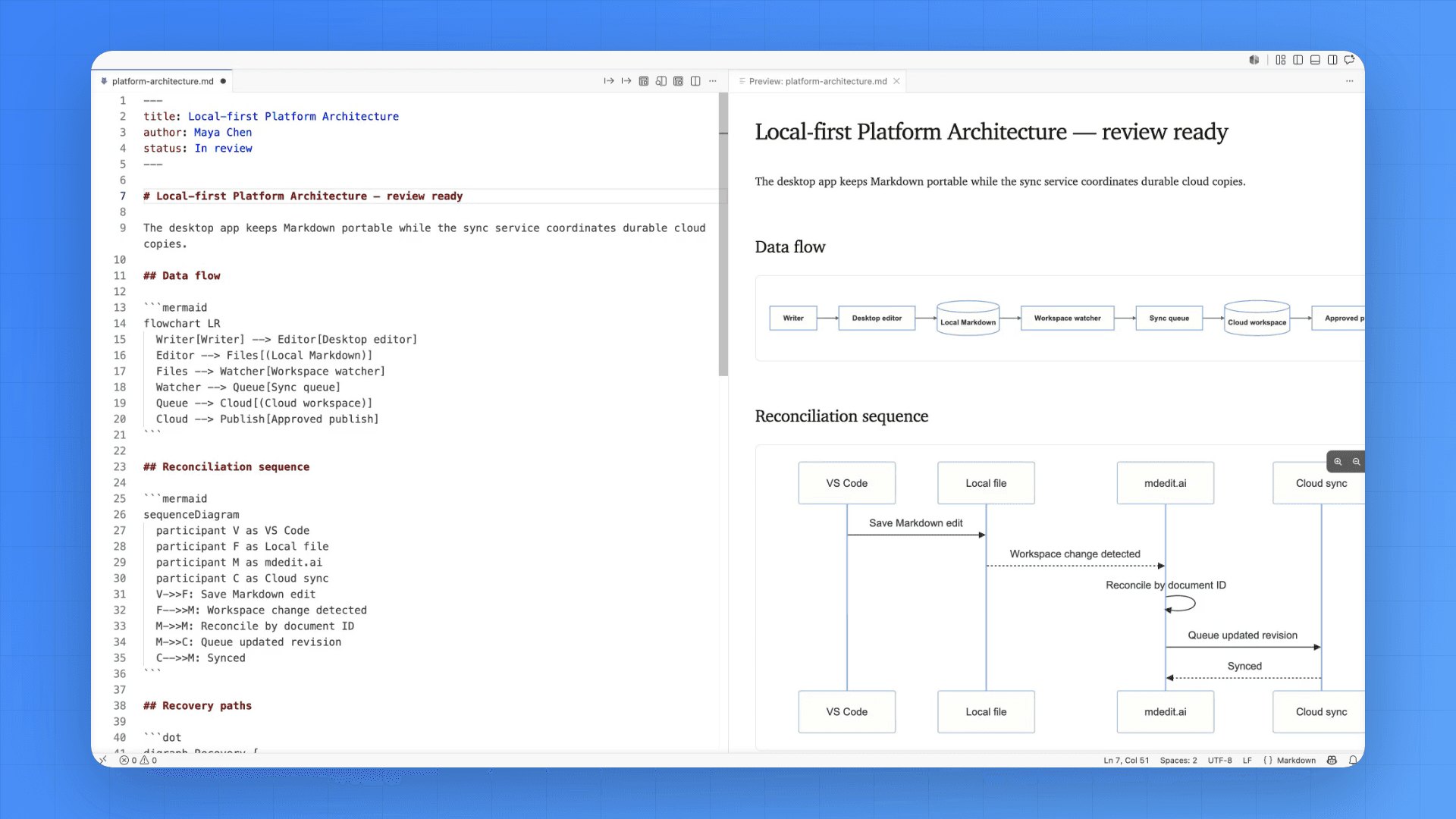
Keep source and rendered output side by side. Headings, diagrams, tables, and code update in the preview as you edit.
A fast Markdown reader for VS Code
Render rich Markdown and export it without leaving your editor.
Live preview panel
Open a side-by-side preview that stays in sync as you type.
Diagrams + math
Mermaid, Graphviz/DOT, Markmap, plus math rendering for technical docs.
GFM + syntax highlighting
Tables, task lists, and readable code blocks with syntax highlighting.
Export to HTML / PDF
Export a styled HTML file or print to PDF for sharing.
Offline-friendly
Works without an internet connection once installed.
Privacy-first
No document content is uploaded. Rendering happens locally.
RTL + LTR documents
Follow the document’s writing direction, detect it automatically, or choose a different direction for a folder or workspace.
Install in your editor, preview in seconds
VS Code users can install from the Marketplace. Cursor users can install from Open VSX.
VS Code extension FAQs
Yes. The extension is free to install.
Yes. All rendering happens locally inside the VS Code webview sandbox.
Yes. Use “Export to HTML” to save a styled .html file, or “Export to PDF” to open a temporary HTML export and print to PDF.
Yes. Choose Document, Auto, Left to right, or Right to left in the Writing direction setting. Document follows the Markdown file’s direction setting, and you can choose a different default for any folder or workspace. Preview and HTML/PDF exports use the same layout while code remains left to right. See the RTL guide.
No. No document content is sent to any server for preview or export.
Cursor users install via Open VSX. VS Code users can install via the VS Code Marketplace.
Last updated
Write and preview Markdown in one place.
Use the VS Code extension for preview and export, then switch to mdedit.ai for AI writing, exports, and publishing workflows.