
Your Markdown workspace, on Android
Sign in with your mdedit.ai account and every article is there, with a full editor and rendered preview built for the phone. Offline drafts catch up the moment you reconnect.
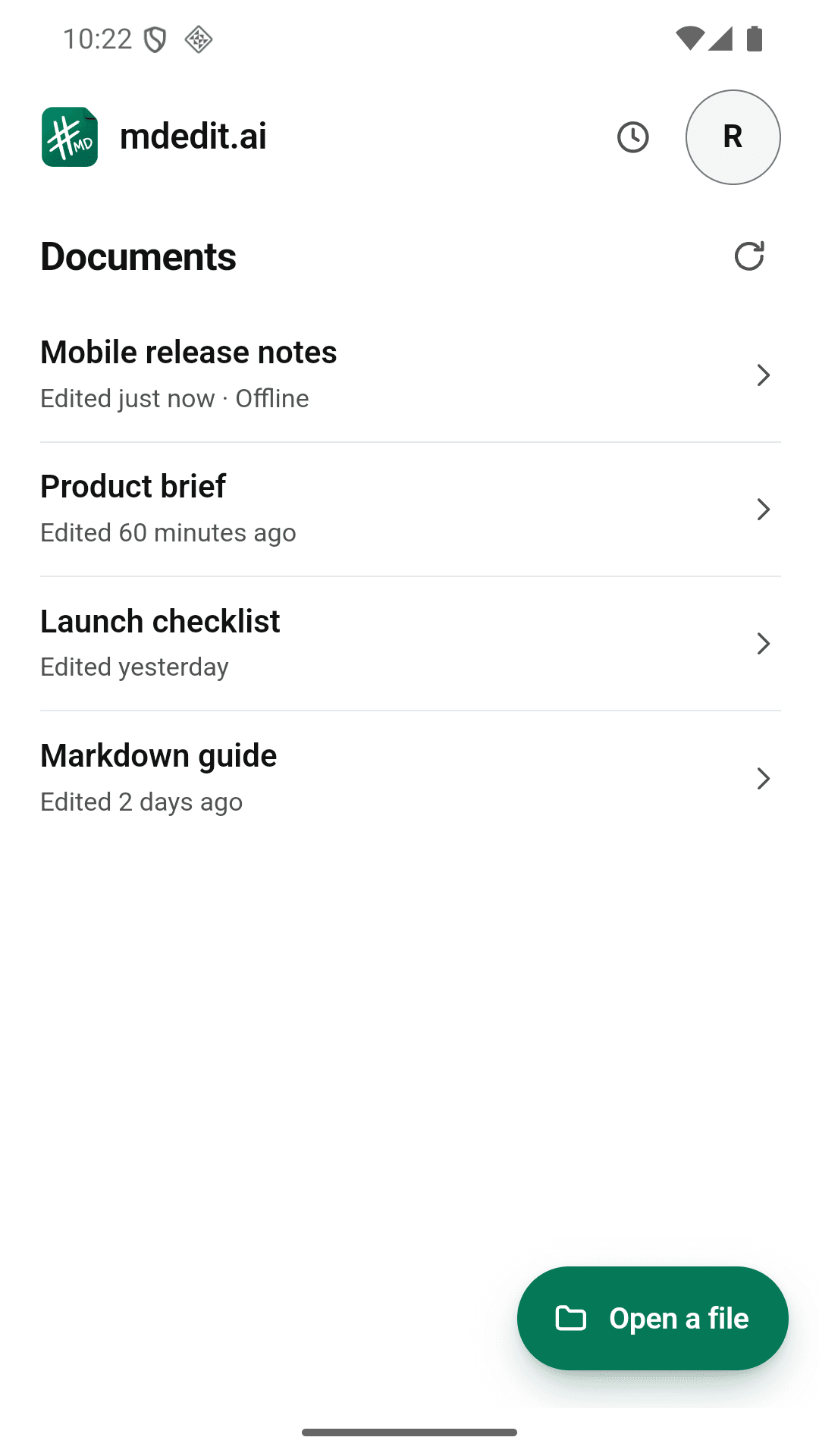
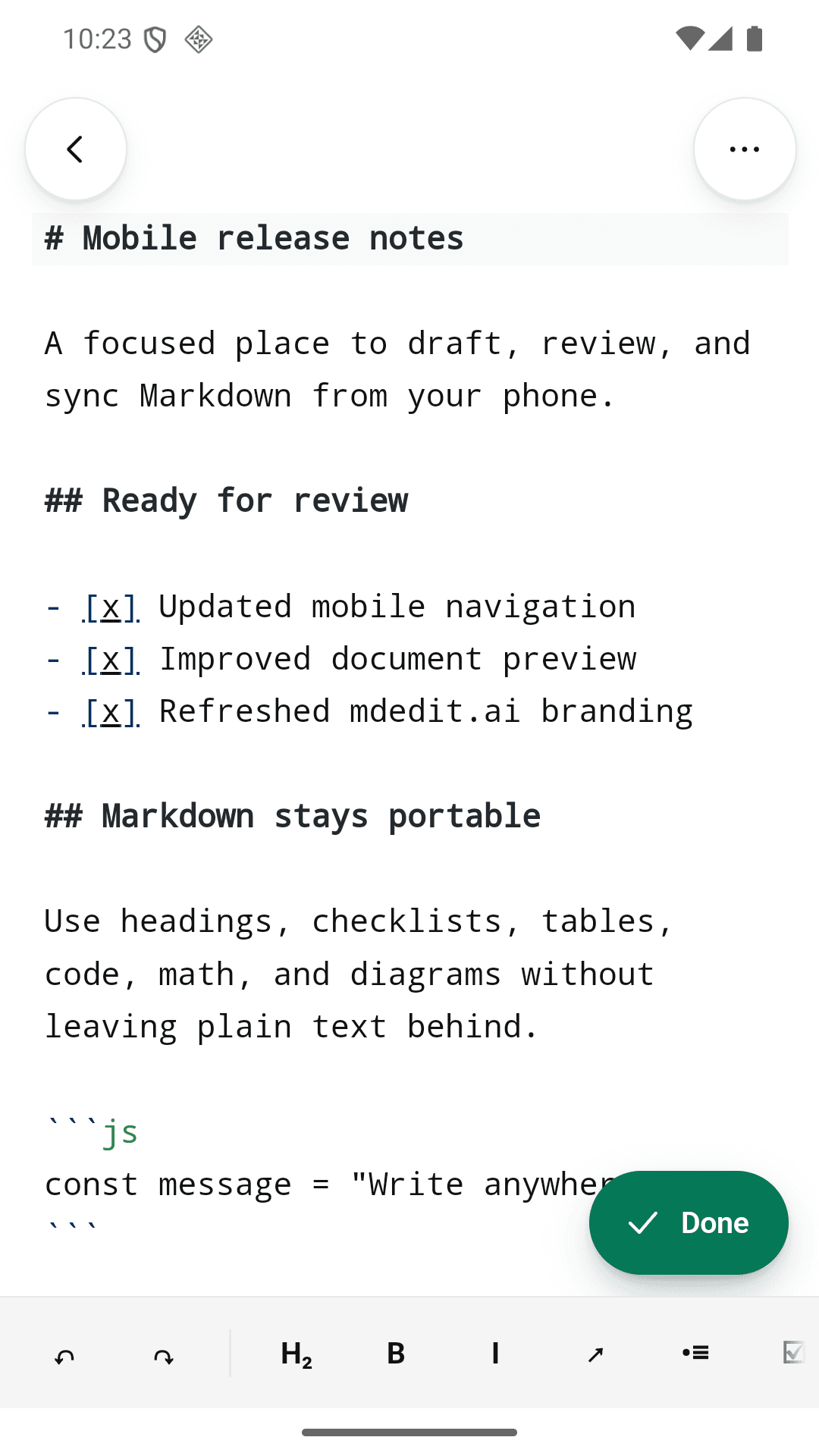
Your workspace, sized for a phone
Your library, your drafts, and a real editor, wherever you are.
Search every workspace
Find any article across your workspaces and open it where you left off.
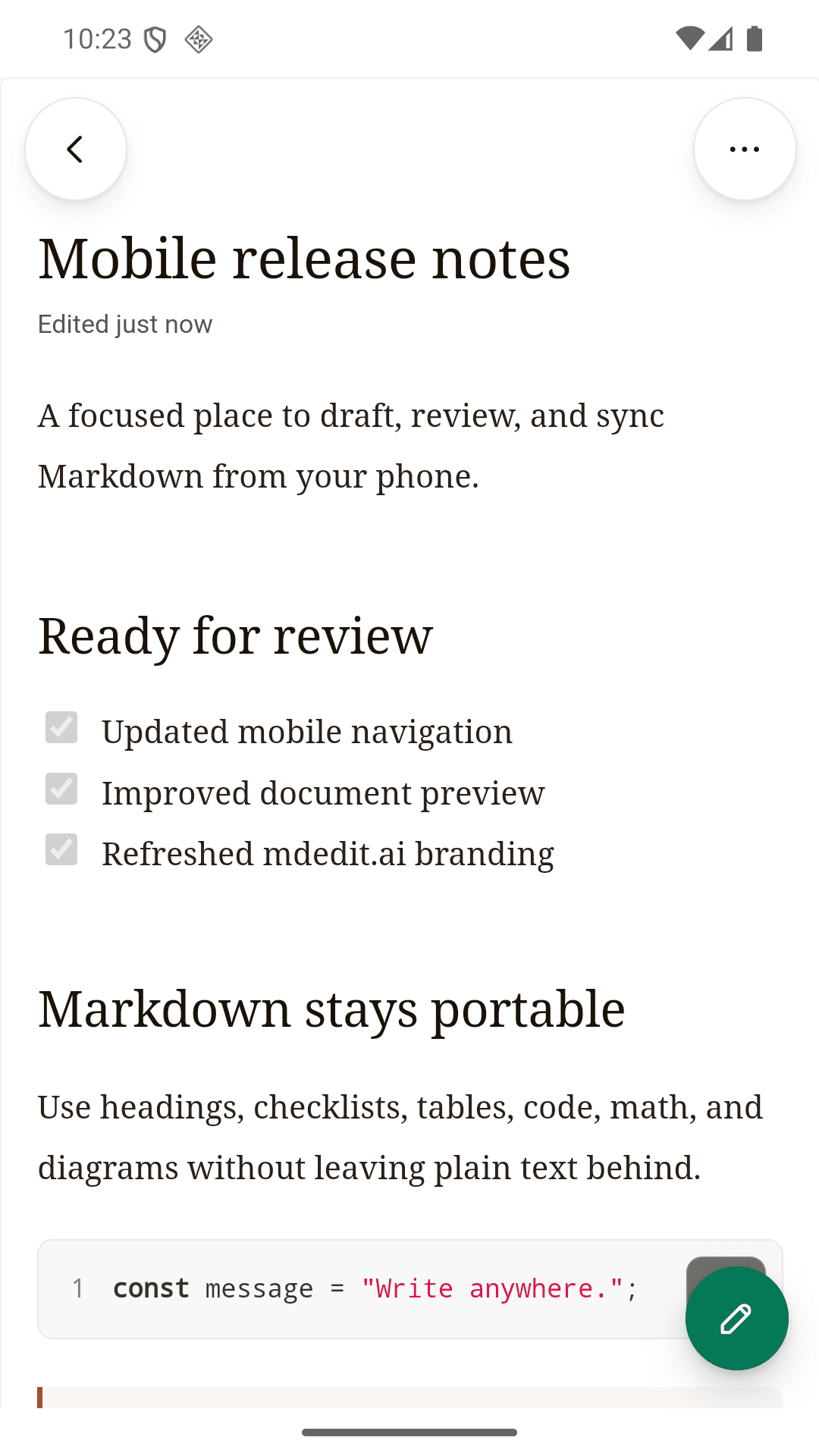
Edit and preview
A real Markdown editor with a rendered preview, sized for a small screen.
Sync you can see
Every document shows whether it is saved or waiting to sync.
Offline drafts
Keep writing without a connection. Drafts sync when you reconnect.
Full rendering
Code, tables, math, Mermaid, Graphviz, and local images all render.
Local files and share sheet
Open Markdown files from any app and share a copy back out.
Built for the in-between moments
Your phone is where you review, fix, and capture. Deep work stays on desktop and web.
On your phone
Review a draft on the move, fix a paragraph before a meeting, capture an idea offline, open a .md file someone sent you.
On desktop and web
Long writing sessions, AI rewrites with diffs, exports, publishing, and local Markdown workspaces with local AI on the desktop app.
Android app questions
Not yet. Android is the one you can install today. An iOS build is in progress.
For cloud articles and syncing, yes, and it is the same account you use on the web app and the desktop app. Markdown files on your device open without signing in.
You keep writing. The app saves a local draft and marks it as waiting to sync, then syncs it with your editor history intact when you reconnect.
Yes. The preview renders headings, code, tables, math, Mermaid, Graphviz, and images stored on your device.
Yes. Open Markdown files from your device or another app, and share a copy back out through the system share sheet.
It covers the work you do away from your desk: reviewing, editing, and capturing. Long writing sessions, local AI, and local Markdown workspaces live in the desktop app.
Last updated
Keep your Markdown work moving.
Free on Google Play. Sign in with the account you already use, or open a local file without one.