Primary model
- mdedit.ai
- Browser plus desktop. A browser workspace with an optional local-first desktop app.
- StackEdit
- Browser, or self-hosted. An open-source in-browser editor that can also run on your own server.
Two browser editors with different workflow depth
StackEdit is the better fit when your Markdown already lives in Drive, Dropbox, or GitHub and open source matters more than upkeep, and mdedit.ai is the better fit when the document needs live review, publishing, and a project that is still shipping.
By Vivek Maskara · Last updated
Choose mdedit.ai when
You need one workspace for drafting, permissions, comments and suggestions, AI review, export, and publishing.
Try mdedit.ai without sign-upChoose StackEdit when
You want an open-source in-browser editor and your workflow already revolves around Google Drive, Dropbox, or GitHub synchronization.
Visit StackEditRuns in the browser
mdedit.ai
Yes, no sign-up needed
StackEdit
Yes
Desktop app
mdedit.ai
Yes, opens local folders
StackEdit
No desktop app documented
Collaboration
mdedit.ai
Live, plus comments and suggestions
StackEdit
Merged edits, inline comments
Sync targets
mdedit.ai
Cloud workspaces, local folders
StackEdit
Drive, Dropbox, GitHub
Publishing
mdedit.ai
GitHub, WordPress, Ghost, more
StackEdit
Seven documented destinations
Project activity
mdedit.ai
Actively developed
StackEdit
Last commit: May 2023
Platforms
mdedit.ai
StackEdit
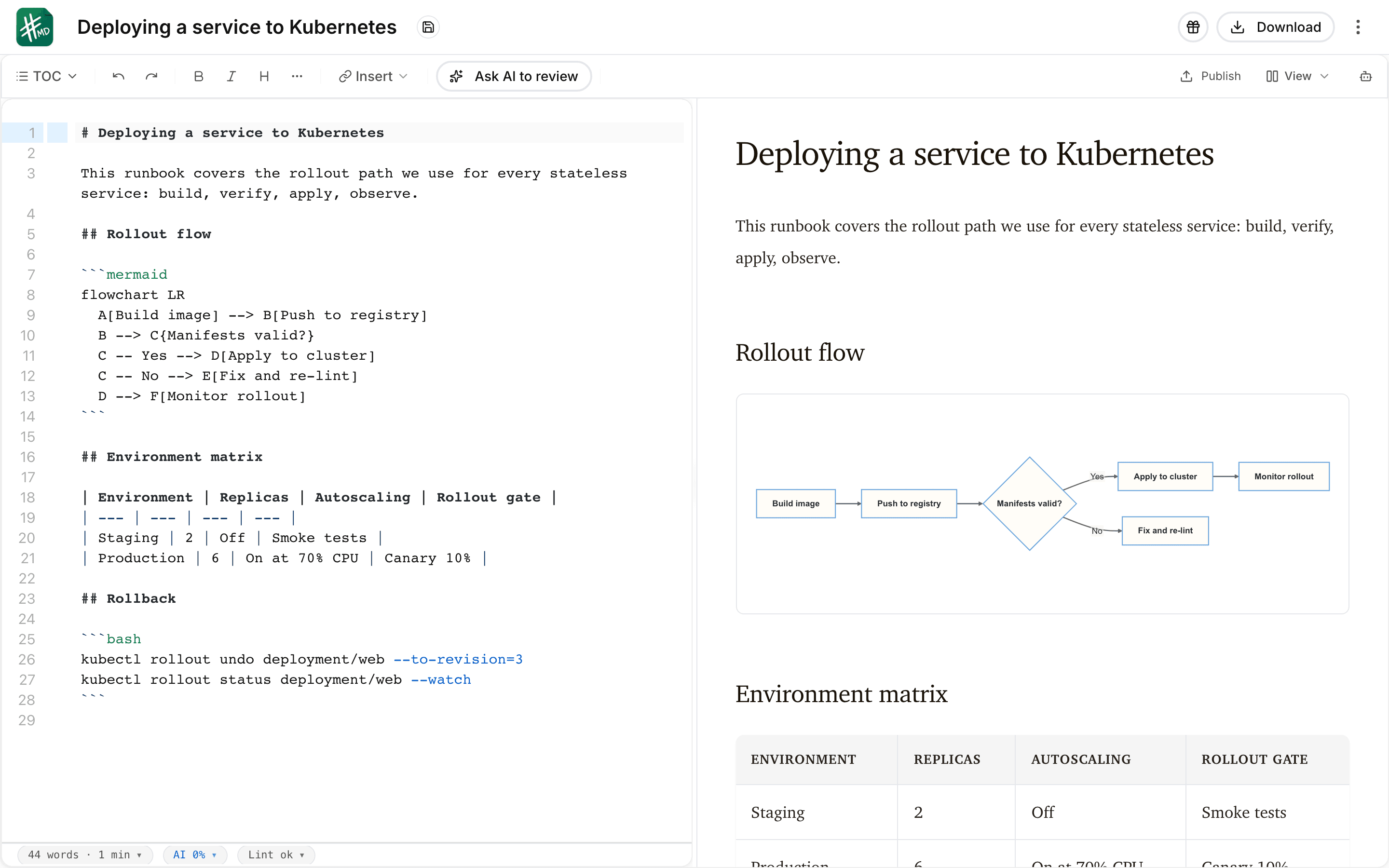
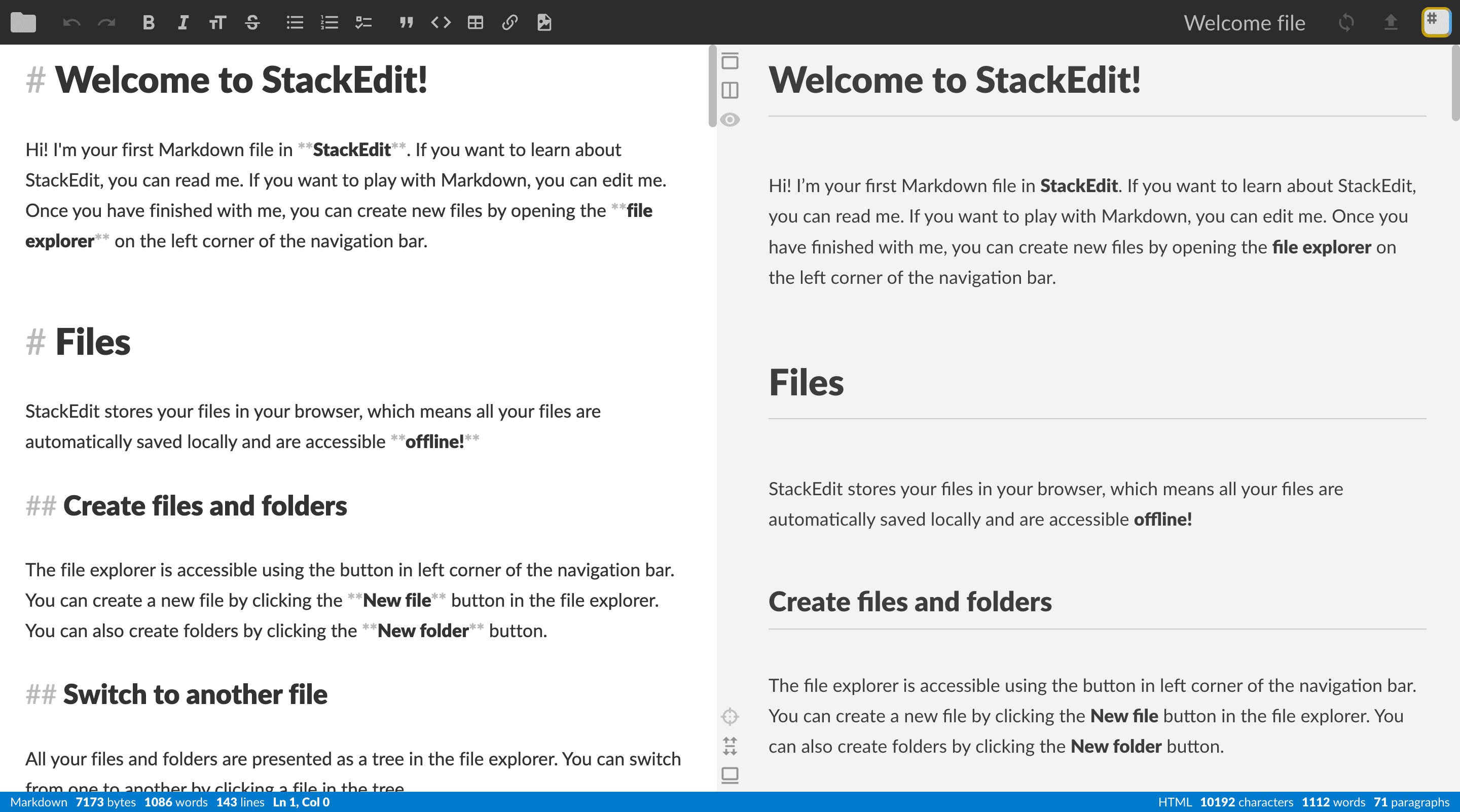
What each editor looks like with a document open. Every frame is cropped to the same shape, so the difference you see is the interface, not the picture.
Every price below is the one published on each product’s own pages. The full mdedit.ai tiers are on mdedit.ai pricing.
Primary model
Storage and sync
Collaboration
Markdown and visuals
Publishing
Project activity
Neither tool wins everywhere. These are the parts worth knowing before you commit.
StackEdit documents are plain Markdown, and so are mdedit.ai documents, so nothing has to be rewritten to move between them.
Start from the files you already sync
Whatever StackEdit keeps in Google Drive, Dropbox, or GitHub is readable Markdown. Paste a document straight into the browser editor, or point the mdedit.ai desktop app at the synced folder on your disk. How the desktop app works.
Convert anything that is not Markdown yet
PDF, Word, HTML, PowerPoint, Excel, and EPUB source material goes through the Markdown converters before it lands in a document. Markdown converters.
Leaving again is symmetric
Pandoc-backed export takes a finished document back out to PDF, DOCX, HTML, EPUB, and more, and the Markdown files stay yours either way.
The hosted editor at stackedit.io is still up and the project is still open source, but its last default-branch commit was May 27, 2023 and its latest GitHub release was published July 2, 2019. Treat continued development as uncertain rather than promised, and remember that self-hosting means you inherit the upkeep.
Yes, up to a point. Shared workspaces merge concurrent edits and collaborators can embed inline comments in a file, which works well when people write at different times. What it does not give you is a review state: nobody can accept a suggestion, assign a thread, or mark it resolved. mdedit.ai adds live same-document co-editing with permissions and that full review loop.
StackEdit documents Blogger, Dropbox, Gist, GitHub, Google Drive, WordPress, and Zendesk. mdedit.ai publishes hosted public links plus configured publishing destinations including GitHub, DEV, Hashnode, WordPress, Ghost, X Articles, Gists, and webhooks. GitHub and WordPress appear on both lists, so the other destinations may settle the choice.
Yes. The mdedit.ai scratchpad opens the editor with no sign-up, and the draft stays in your browser until you decide otherwise. An account adds cloud workspaces, review, and publishing; paid tiers start at US$6.99 per month on mdedit.ai pricing.
If mdedit.ai is the better fit for this document, the editor opens in your browser with no sign-up. If StackEdit is the better fit, the links on this page go straight to it.