Live collaboration
Use collaboration when people should work in the mdedit.ai document itself. For a separate file or public copy, start at Share your work.
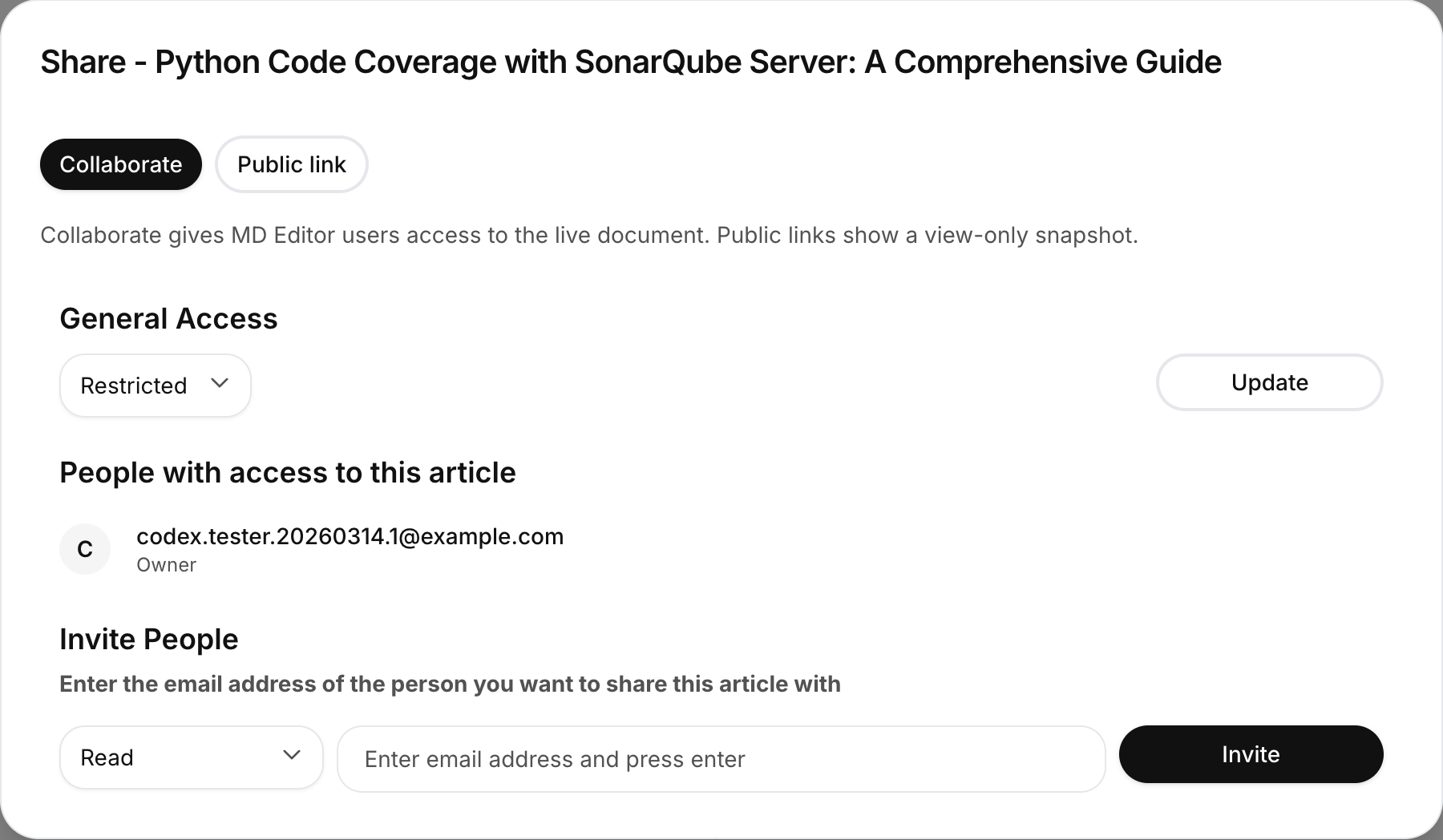
Invite someone
- Open a document and choose Share → Collaborate.
- Enter the collaborator’s email address.
- Choose Can read or Can edit.
- Send the invitation.
Owners can change or remove access later. The available management actions depend on your permission for the document.
Edit together
People with edit access can work in the same document in real time. Presence indicators show who is connected, and live updates merge without requiring each person to refresh. Review comments, suggestions, and highlights remain available alongside co-editing.
If the connection drops, keep writing; the editor saves locally and reconnects when possible. A second tab on the same device can become view-only until you choose Take over editing.
Team workspace capacity varies by plan. See Settings → Subscription and Plans & limits.
For structured feedback, see Review comments. For a public view-only URL, see Public links & publishing.
Last reviewed