VS Code extension
Markdown Viewer & Reader adds a fast, clean Markdown preview to VS Code with rich rendering (tables, diagrams, math) and export tools.
Install
What it does
- Live preview panel that stays in sync as you type
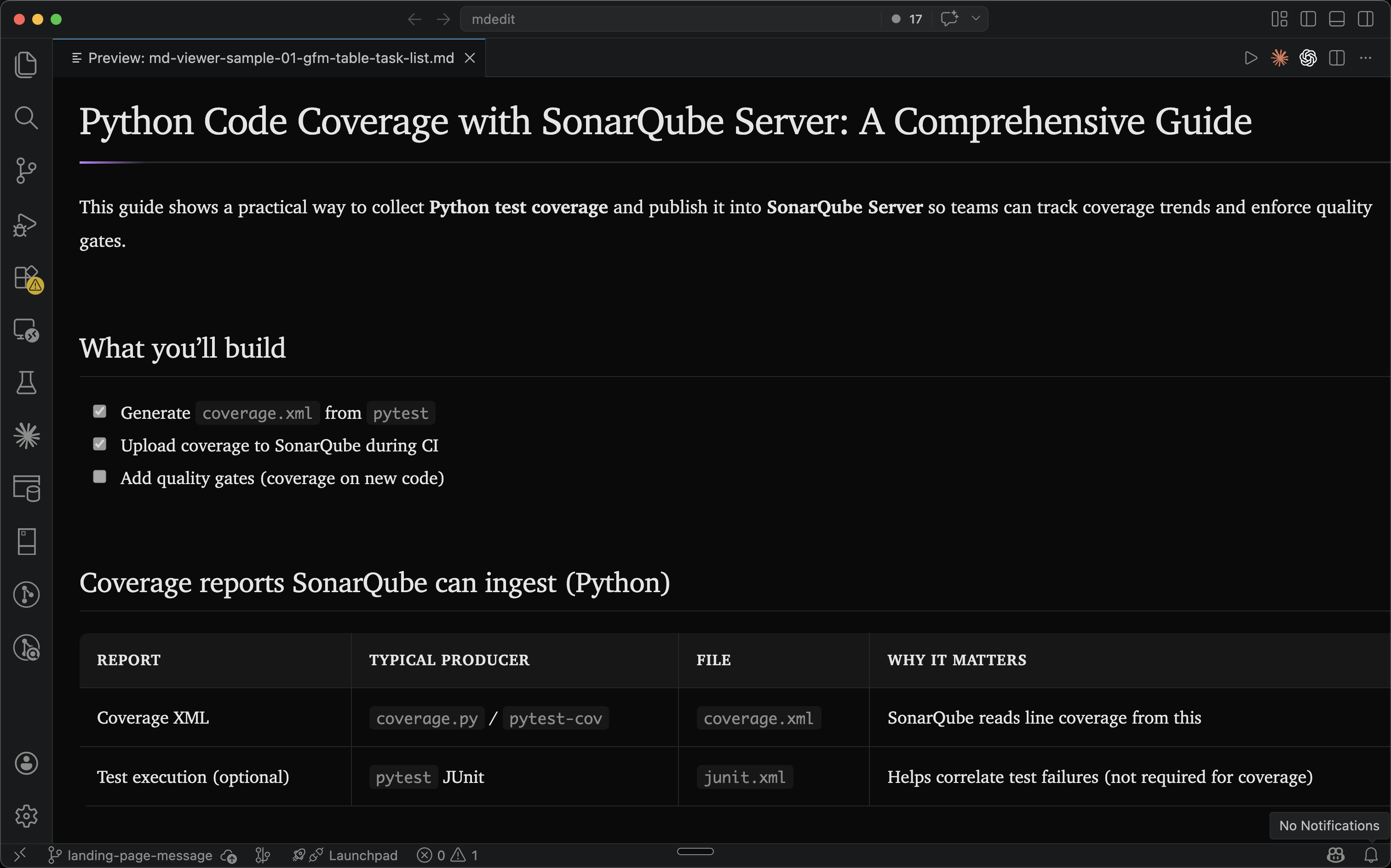
- GitHub Flavored Markdown (GFM) rendering (tables, task lists, code fences)
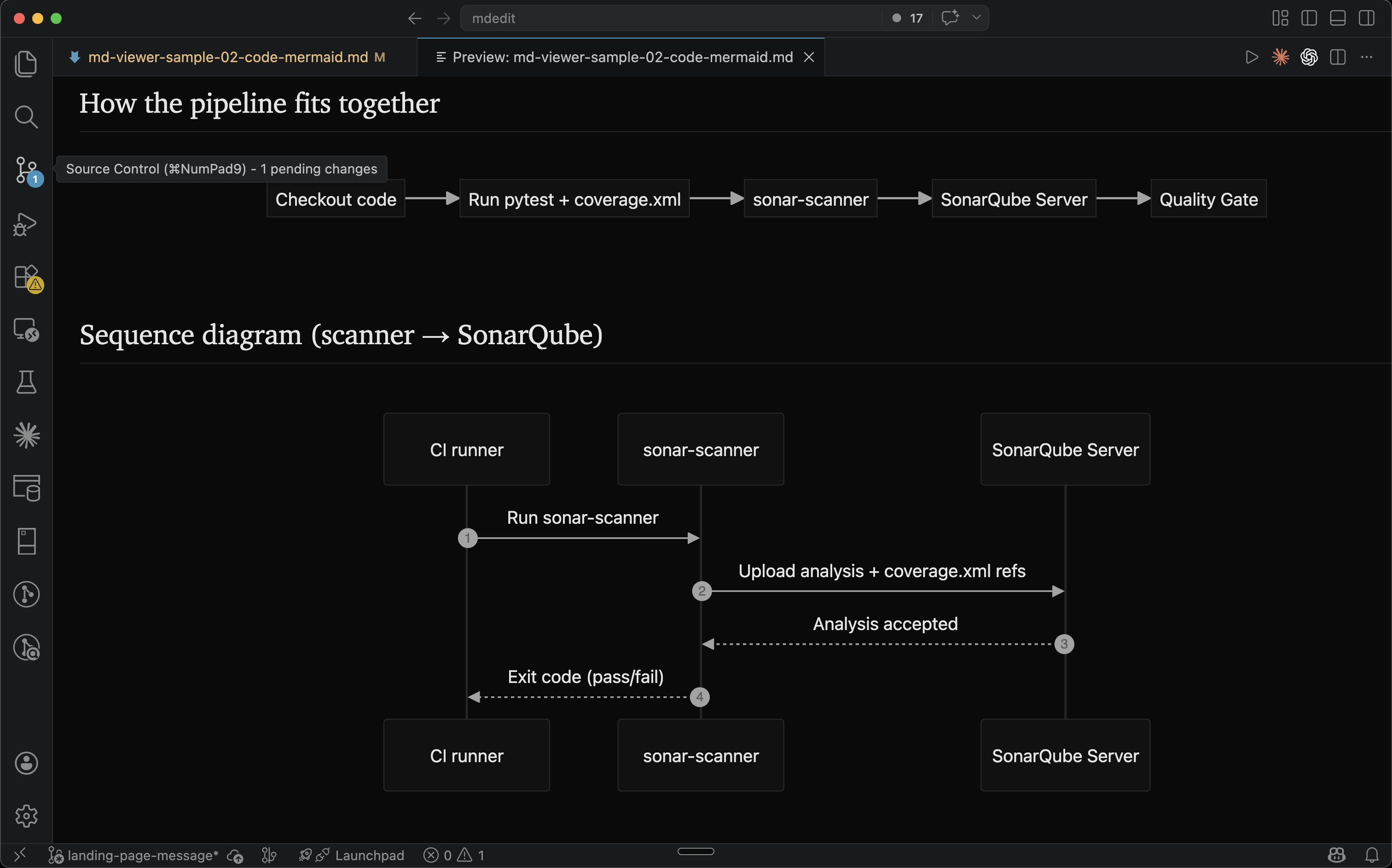
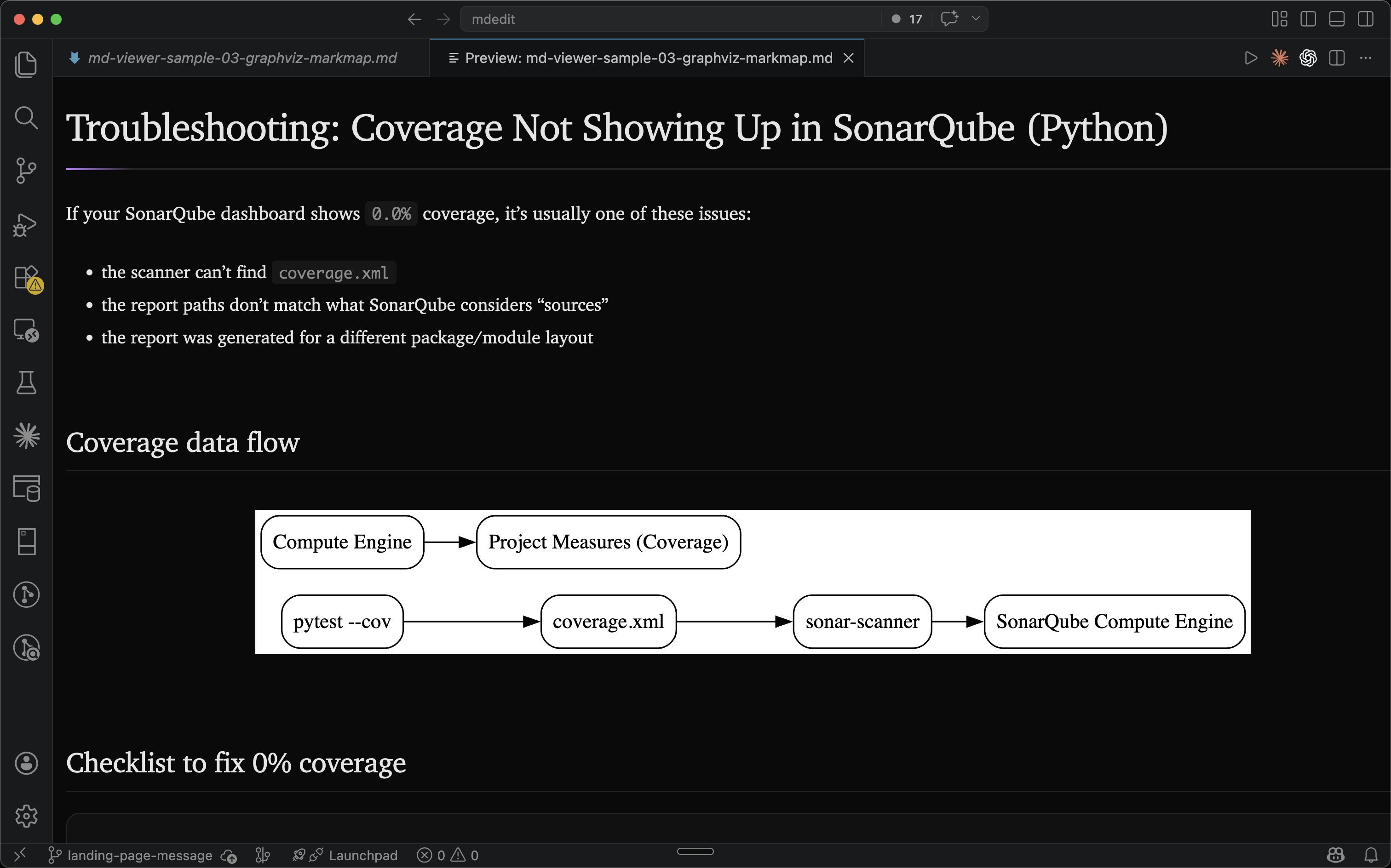
- Diagrams: Mermaid, Graphviz/DOT, Markmap
- Math rendering
- Export to HTML or PDF
- Arabic, Hebrew, and mixed-language text in its natural reading direction
Quickstart
- Open any
.mdfile. - Run Markdown Viewer & Reader: Open Markdown Preview (Command Palette), or use the preview icon in the editor title bar.
- To export, run:
- Markdown Viewer & Reader: Export to HTML
- Markdown Viewer & Reader: Export to PDF
Tip: PDF export opens a temporary HTML file in your browser and uses the print dialog (“Save as PDF”).
Writing direction
Set Markdown Viewer & Reader: Preview Text Direction (mdedit.preview.textDirection) to Document, Auto, Left to right, or Right to left. You can choose a default for every project, then use a different setting for an individual folder or workspace when needed.
Document is the default. It follows mdedit.direction and the optional language value in YAML frontmatter, using Auto when the document does not contain a valid setting. Open previews update immediately when you change the setting. The preview and HTML/PDF exports follow the same choice, while code remains left to right.
See RTL and bidirectional text for frontmatter examples and a mixed Arabic, Hebrew, and English test document.
Screenshots
Privacy & offline
- No document content is sent to mdedit.ai servers by this extension.
- Rendering happens locally inside the VS Code webview sandbox.
- The extension works offline.
Known limitations
- PDF export depends on your browser’s print-to-PDF behavior and can vary slightly by OS/browser.
- Very large diagrams may render slowly depending on your machine.
Related
- Want browser auto-rendering too? Install Markdown Viewer & Reader.
Last reviewed