Links and media
Use the toolbar or Cmd/Ctrl + K for links and Cmd/Ctrl + Shift + P for media. mdedit.ai inserts portable Markdown or HTML at the cursor.
Links
[mdedit.ai](https://mdedit.ai "Optional title")
<hello@mdedit.ai>
[Jump to the media section](#media)
Reference-style links keep repeated URLs in one place:
Read the [guide][docs].

[docs]: https://mdedit.ai/docs "mdedit.ai docs"
The mdedit.ai preview opens ordinary Markdown links in a new tab. Use HTML only when the source itself must carry explicit target and relationship attributes for another renderer:
<a href="https://mdedit.ai" target="_blank" rel="noreferrer">Open mdedit.ai</a>Images and document assets
The media dialog can upload a local file, import a URL, or search Giphy, Unsplash, and Pixabay. AI images are created through the separate Generate Visual (AI) action.
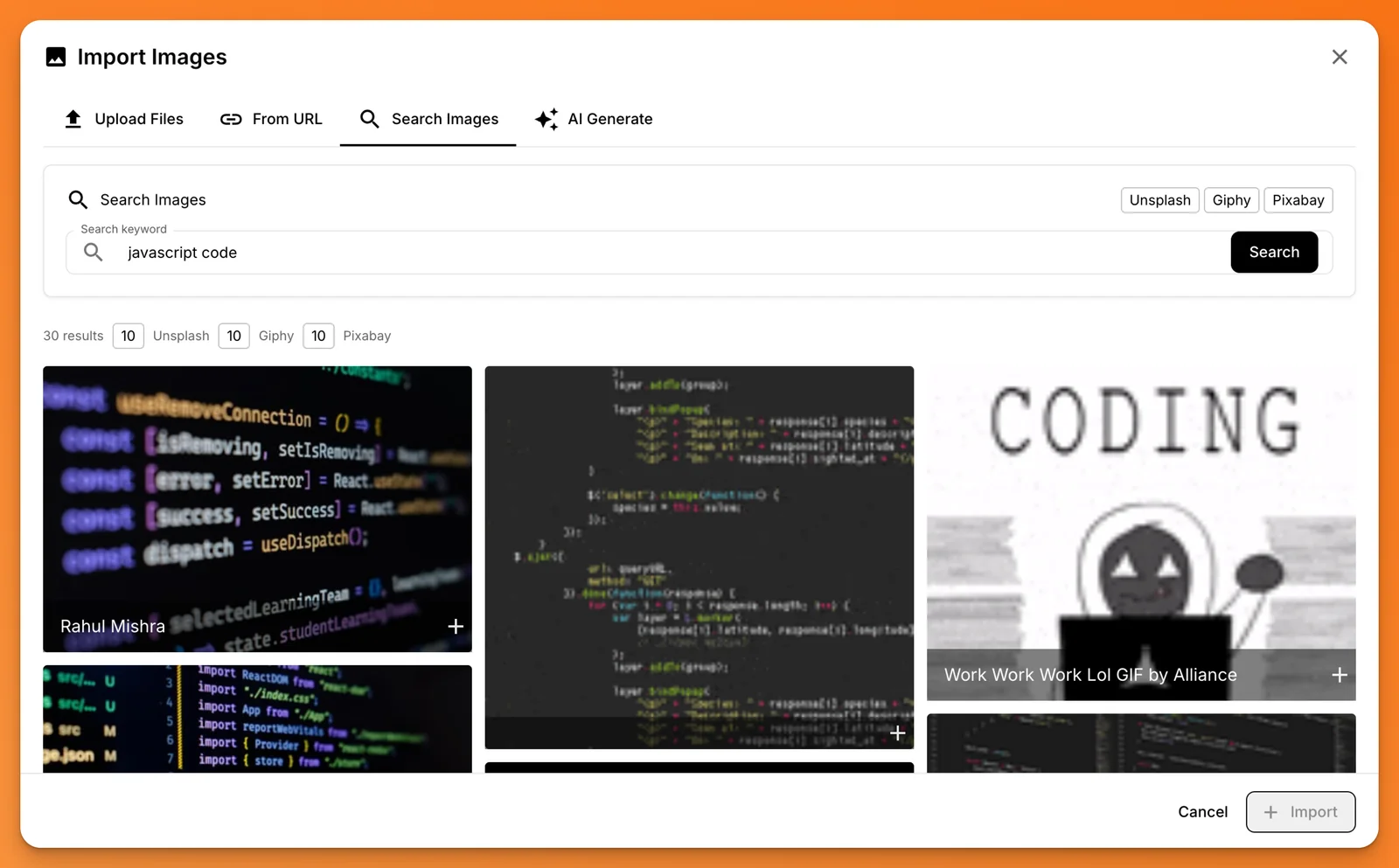
Uploaded files become document assets. A filesystem-backed desktop document uses a relative asset reference such as:
The browser editor can use a local:local-… reference while an asset is stored locally. Preview and export paths resolve document assets as needed; do not replace those generated references by hand.
Use HTML only when you need explicit dimensions:
<img src="assets/architecture.png" alt="System overview" width="640" />Stock search and AI generation follow the access described in Plans & limits. See Assets for upload, sync, and export behavior.
Video
Embed a document asset or hosted video with HTML5 video:
<video controls autoplay loop muted width="100%">
  <source src="assets/demo.mp4" type="video/mp4" />
  Your browser does not support video.
</video>controls, autoplay, loop, muted, poster, width, and height are standard video attributes. Browsers commonly require muted for autoplay.
GitHub Gists
Paste a Gist URL on its own line to render the embed:
https://gist.github.com/username/gist-idLast reviewed