Markdown table syntax
How do I create a table in Markdown?
Write a header row, a separator row made from hyphens, and one row for each record. Separate cells with pipe characters (|). Colons in the separator row set left, center, or right alignment.
| Name | Status | Owner |
| :--- | :----: | ----: |
| API docs | Ready | Sam |
| Tutorial | Draft | Lee |
The separator row is required. Cell spacing does not affect rendering. This is GitHub Flavored Markdown table syntax; support can differ in renderers that implement only the original Markdown specification.
Edit a Markdown table visually
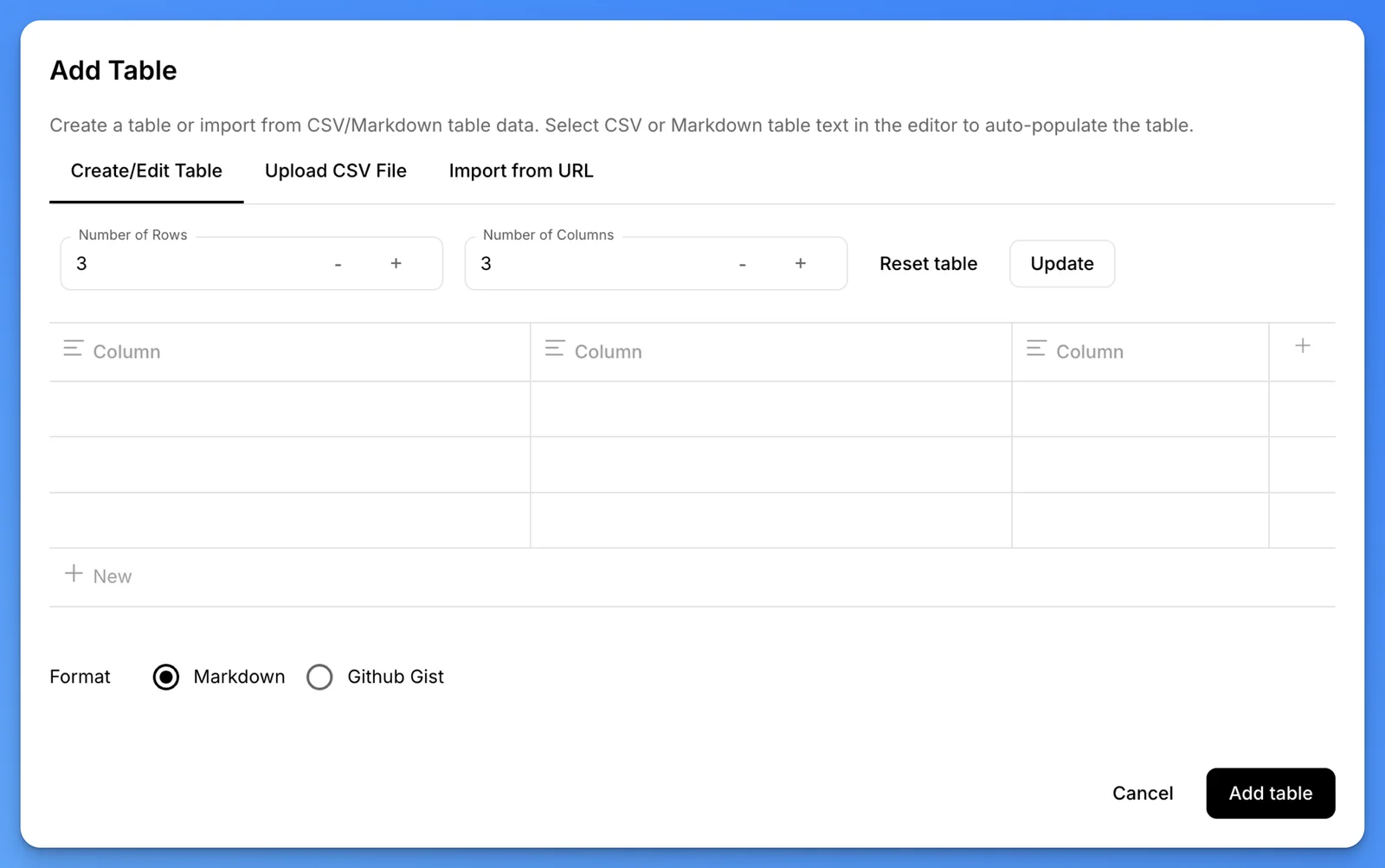
In the mdedit.ai editor, use the table toolbar to insert a table, add or remove rows and columns, and edit headers and cells without hand-aligning pipes. Set column alignment with colons in the Markdown separator row.
Escape a pipe inside a table cell
Escape a literal pipe inside a cell:
| Command | Meaning |
| --- | --- |
| `a \| b` | Either value |
How do I convert an existing table to Markdown?
Use the Table to Markdown chooser (opens in a new tab) to choose a converter for CSV, JSON, HTML table markup, Excel workbooks, or a rich pasted grid. The source-format chooser explains which workflows run locally and which use the private file-conversion service.
Markdown tables do not support merged cells or row spans. Use HTML when a destination supports it and those structures are essential.
Table conversion support
| Source | Use | Limitation |
|---|---|---|
| CSV | Delimited rows and columns | Types and formulas are not preserved |
| JSON | Arrays or structured records | Nested values may need flattening |
| HTML | Existing <table> markup | Row spans and complex layout may need cleanup |
| Excel | .xlsx worksheets | Formulas, styling, and workbook behavior are not Markdown |
| Rich paste | Clipboard HTML that contains a table | Depends on the formats supplied by the browser |
Review generated Markdown before publishing. For the full tools directory, see Web app tools.
Last reviewed